Dec 15th, 2007 by Antoinette
Welcome to Day 15 of my Christmas give away 🙂
If you’re not sure what this is, check the Announcement please
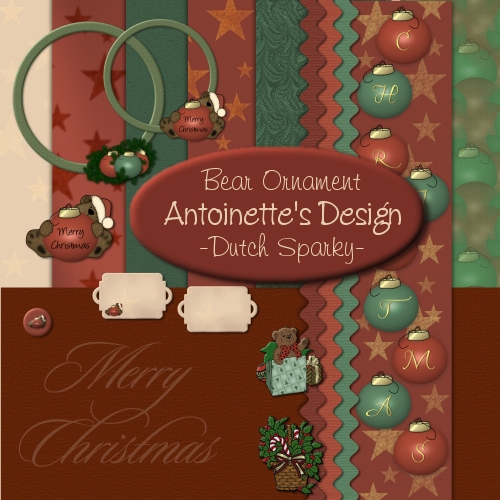
The last freebie of the Bear Ornament Kit. The tutorial for the bear came from Bunney’s burrow (bunneysburrow.com), unfortunately the site no longer exists.
Today’s download: the elements.
Enjoy!
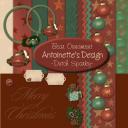
Download link:
Bear Ornament Elements 4.3 MB
if that doesn’t work, try this one 🙂
Bear Ornament Elements
Posted in Blog, Christmas, Freebies, Holidays |
9 Comments »
Dec 14th, 2007 by Antoinette
Welcome to Day 14 of my Christmas give away 🙂
If you’re not sure what this is, check the Announcement please
As promised, here are the papers of the coordinating kit to yesterday’s Ornaments Alphabet.
Come back for the elements tomorrow!
Enjoy !
Download link:
Bear Ornament Papers 4.9 MB
alternative download link: Bear Ornament Papers
Posted in Blog, Christmas, Freebies, Holidays |
2 Comments »
Dec 13th, 2007 by Antoinette
Welcome to Day 13 of my Christmas give away 🙂
If you’re not sure what this is, check the Announcement please
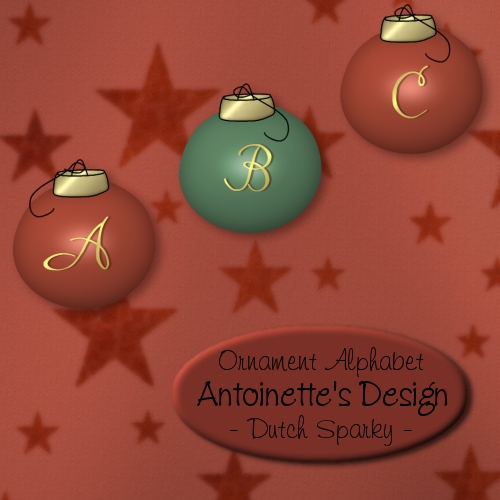
You can never have too many Alphabets 🙂
Here’s a Christmasy one – red and green ornaments with golden initials and… there is a coordinating kit… but to see that one you’ll have to come back tomorrow!
Enjoy!
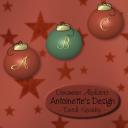
Download link:
Ornament Alphabet 1.0 MB
alternative download link: Ornament Alphabet
Posted in Blog, Christmas, Freebies, Holidays |
5 Comments »
Dec 12th, 2007 by Antoinette
What’s bugging me for ages is the way my .png files get saved.
I open a new 300dpi image (in PSP 7), create the graphic and use the .png wizard to save the file as .png. Transparency stays, so far so good. When I go to the saved graphic, right click that .png file and look at the properties it says: 71dpi *sigh*
At my wits end, I sent one of my png files to a friend and asked her to take a look. She confirmed it said 71 dpi BUT when she opened the graphic in PSE, it opened as 300dpi.
Shoot me, I’m stumped, I have no idea why this is happening and what (if anything) I’m doing wrong. It’s not so bad for the layouts I use myself as I don’t print them and only use them online, but I want to make sure I provide 300dpi images to my visitors.
If anyone can help me out – have any tips or recognize the mystery PLEASE please please let me know!
To sum it up, am I right thinking that – eventhough the files say 71 dpi – they’re actually 300dpi and suitable for printing?
H E L P!
The person who comes up with a solution will get a gift from me!
Thanks in advance
Posted in Blog |
2 Comments »
Dec 12th, 2007 by Antoinette
Welcome to Day 12 of my Christmas give away 🙂
If you’re not sure what this is, check the Announcement please
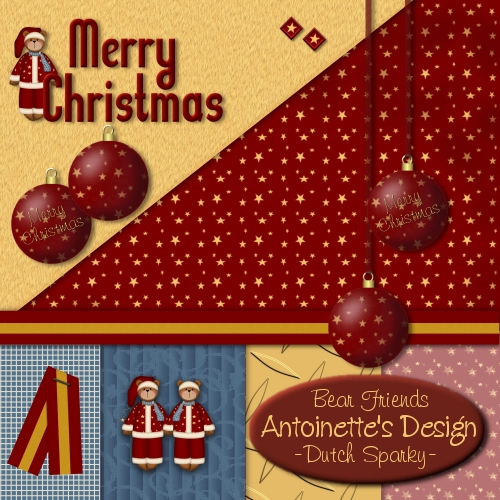
Bear Friends Freebie #2
Today’s download: elements
Did you miss the papers?? The download link is in yesterday’s post 🙂
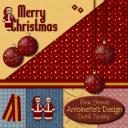
Download link:
Bear Friends elements … MB
alternative download link: Bear Friends elements
Posted in Blog, Christmas, Freebies, Holidays |
5 Comments »